









People records, leave and attendance, in one place.
HRFlo gives growing teams a single home for employee records, team structure, time off and attendance, inside the same platform that runs sales and operations. People data is entered once and stays in sync.
Trusted by distributors, suppliers, decorators & fulfillment teams







HR should not run on spreadsheets and email threads.
When employee details, leave balances and attendance live in different places, every change is entered twice and nobody trusts the numbers.
- Employee details scattered across spreadsheets and folders
- Leave balances calculated by hand
- Time-off requests approved over email
- No quick view of who is in and who is out
- One record per employee with job details, contacts and documents
- Leave credits and holidays tracked automatically
- Requests approved, rejected or cancelled in one click
- A dashboard of headcount, leave and time at work
The essentials of people operations, done properly.
HRFlo covers the daily work of keeping people records accurate and time off under control.
Job details, contact details and attachments for every employee in one place.
Organize people into teams and units, and see headcount by unit and location.
Bring your existing employee list in with a spreadsheet import.
Leave types, periods and credits, with requests that managers approve or reject.
Set company holidays and the working week so leave is counted correctly.
Employees clock in and out, and time at work rolls up to the dashboard.
Record salary and commission components per employee, shared with sales commissions.
Headcount, who is on leave and time at work at a glance.
The same roles and permissions that protect the rest of the platform.
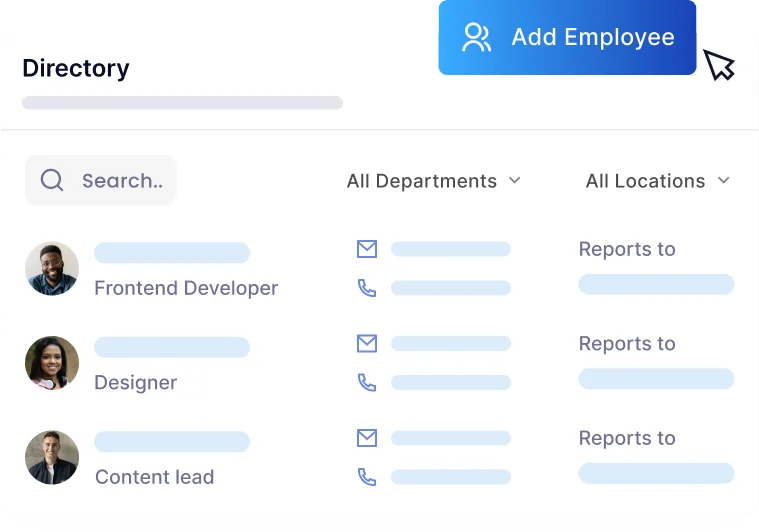
Every employee, easy to find.
A searchable directory replaces the spreadsheet, with the details and documents that belong to each person kept on their record.
- Job and contact details per employee
- Attachments stored on the employee record
- Teams and reporting structure
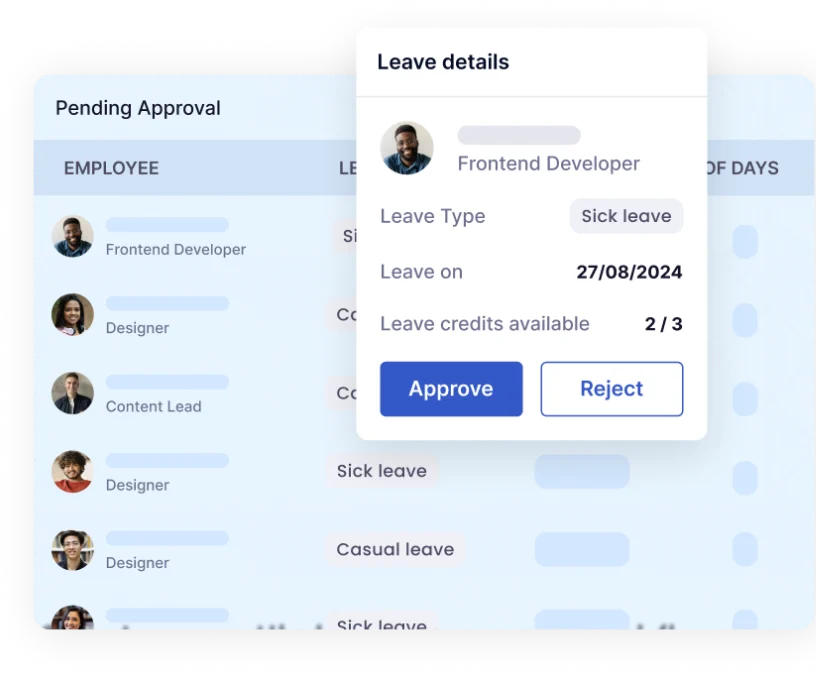
Leave without the back and forth.
Employees request time off, managers approve it, and balances update on their own.
- Leave types, periods and credits
- Approve, reject or cancel with comments and attachments
- Company holidays and work-week settings
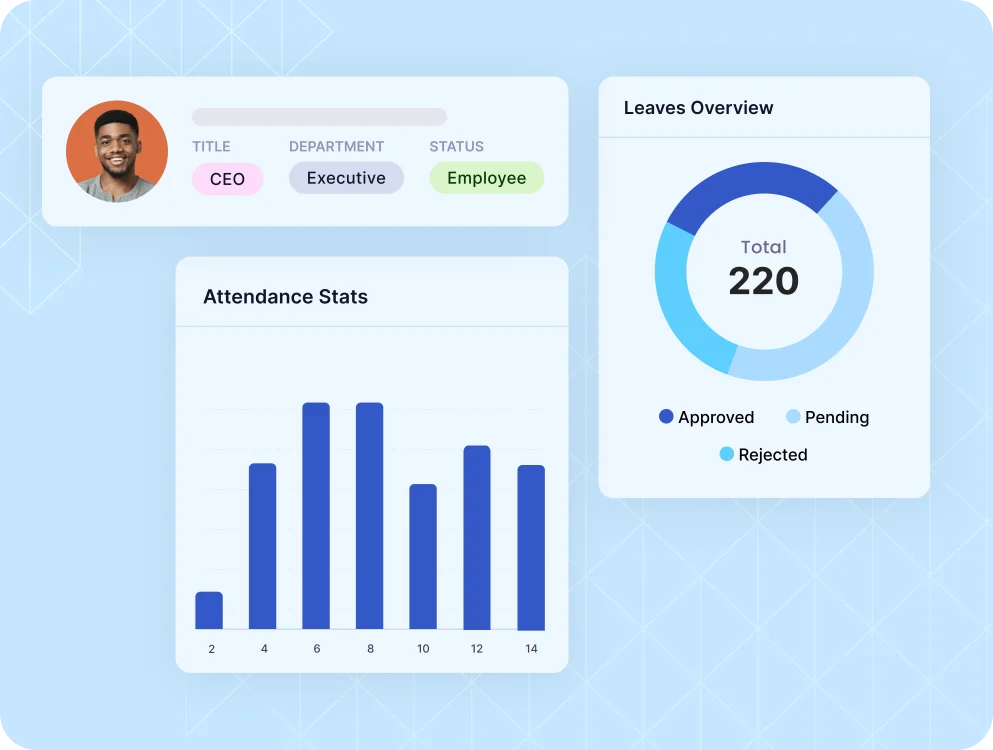
Know who is in, who is out and how the team is growing.
The HR dashboard brings headcount, leave and attendance together so managers can plan the week.
- Headcount by unit and location
- Who is on leave today
- Time at work from clock-ins
Up and running in four steps.
Upload your employee list from a spreadsheet.
Organize employees into teams, units and locations.
Define leave types, credits, holidays and the work week.
Approve requests, track attendance and watch the dashboard.
HRFlo is stronger with the rest of SwagFlo.
Start with one product or run several. SwagFlo products are built to work together, so customers, catalog and orders are not re-keyed between systems.
What teams ask before they switch.
Does HRFlo cover recruiting and performance reviews?
Not yet. Recruiting, onboarding, performance reviews and training are on the roadmap. Today HRFlo covers employee records, teams, leave and attendance. We will show you exactly what is live on your demo.
Can we import our current employee data?
Yes. Employee records can be imported from a CSV file, and our team will help you prepare it.
How do leave approvals work?
Employees submit a request, and a manager approves, rejects or cancels it with comments. Leave credits update automatically.
How is pricing structured?
Pricing is tailored to team size and the products you use. Book a demo and we will scope a plan with you.
Give your people data one home.
See employee records, leave and attendance in a live demo.
See your business running on SwagFlo.
Tell us how you sell, source and fulfill today. We will show you the same workflow on one connected platform, using your products and your process.
- A walkthrough built around youYour stores, suppliers and order flow, not a canned slideshow.
- A clear path to go liveWhat to launch first, what to migrate and who does the work.
- Pricing for what you needStart with one product or the full platform.



